6 Best AI Tools for Content Creation to Try in 2026
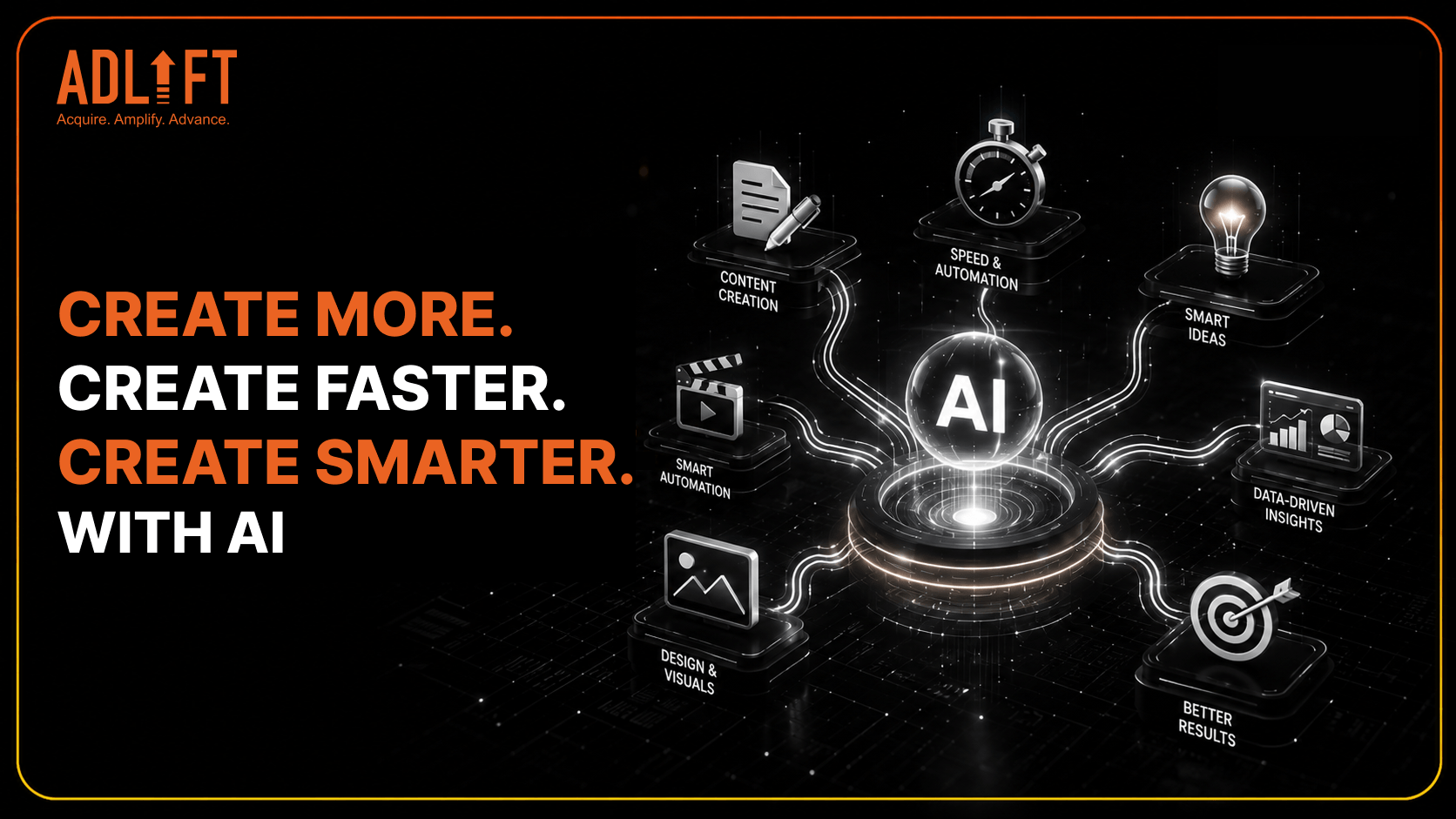
Content production is no longer limited to writing a weekly blog. Marketing teams now create emails, social posts, landing pages, videos, presentations, advertisements, and campaign visuals across several channels.
The growing demand for content can quickly slow workflows. Writers may spend hours developing variations, designers may handle repeated formatting tasks, and editors may review similar assets across multiple platforms. AI is helping teams manage this workload more efficiently. Today, 80% of marketers use AI for content creation, while 75% use it for media production.
The right content creation tools can support ideation, drafting, editing, visual design, SEO, and multimedia repurposing. However, each platform solves a different problem. The goal is not to use every available tool, but to choose the ones that fit specific stages of the workflow.
Let us explore six practical AI tools for content creation that can help teams create faster while maintaining quality and brand relevance.
Why AI Content Creation Tools Matter in 2026
AI has moved beyond small experiments and occasional writing assistance. It is becoming part of everyday marketing processes.
In fact, 95% of B2B marketers say their organizations use AI-powered applications. Generative AI has also improved the volume and speed of content ideation and production for 76% of organizations. This growing adoption is changing content workflows in three important ways.
Faster Production Across Formats
AI can turn one central idea into several usable assets. A detailed article can become an email, a presentation outline, a social post, or a short video script. This reduces the need to start every format from a blank page.
More Time for Strategic Work
Repetitive tasks such as summarizing, reformatting, creating variations, and organizing notes can consume valuable production time. When AI handles part of this work, teams can focus more on research, campaign direction, storytelling, and audience understanding.
Better Workflow Consistency
The best content creation tools can help teams follow shared instructions, formats, and brand guidelines. This is especially useful when several contributors work across one campaign.
However, AI should strengthen the process rather than replace human thinking. Strategy, accuracy, originality, and final approval still require informed editorial judgment.
6 Best AI Tools for Content Creation
No single platform is the best choice for every content task. Some tools are stronger for writing, while others are designed for branding, visuals, SEO, or multimedia editing. The following options support different parts of a modern content workflow.
ChatGPT: For Ideas, Drafts, and Repurposing
ChatGPT is one of the most flexible AI tools for content creation. It can support blog outlines, first drafts, headlines, captions, email copy, FAQs, scripts, and brainstorming. It is particularly useful at the beginning of a project.
Writers can use it to explore angles, organize ideas, identify audience questions, and build an initial structure. ChatGPT also works well for repurposing. A long article can be converted into social posts, newsletter sections, video scripts, summaries, or audience-specific versions.
Best suited for:
- Content ideation and brainstorming
- First drafts and outlines
- Rewriting and repurposing
- Headlines, captions, and email copy
- Summaries and FAQ development
Clear prompts are essential. Teams should provide details about the audience, objective, format, tone, and reference material. Every output should then be reviewed for accuracy, originality, and brand alignment.
Jasper: For Brand-Led Marketing Copy
Jasper is designed for teams that produce repeated marketing content across campaigns, products, and customer groups. It can support landing pages, advertisements, product messaging, emails, campaign briefs, and promotional copy. Its main strength is the ability to apply brand information across different outputs.
Teams can provide voice guidelines, audience profiles, preferred terminology, and product details. This helps writers maintain a more consistent tone without repeating the same instructions in every request.
Best suited for:
- Brand-led campaign content
- Product and service messaging
- Advertisement variations
- Landing page copy
- Repeatable marketing workflows
Jasper can make first drafts more consistent, especially across larger teams. Human review is still necessary to check accuracy, originality, and relevance for each channel.
Canva AI: For Visual and Social Content
Canva AI supports visual production for teams that do not have advanced design skills available for every task.
The platform can help create social posts, presentations, posters, campaign graphics, short videos, and other branded assets. Its templates and drag-and-drop editor make it easier to move from an idea to an editable design.
It is especially useful for recurring social campaigns. Teams can create one central visual and adapt the text, imagery, or dimensions for different platforms.
Best suited for:
- Social media graphics
- Presentations and posters
- Campaign visual variations
- Simple short-form videos
- Branded templates
AI can speed up visual production, but every design still requires review. Teams should check spacing, readability, visual balance, accessibility, and brand consistency before publishing.
Surfer: For SEO-Focused Content
Surfer is built for blogs, landing pages, and content refreshes that require search optimization.
Its Content Editor can help writers assess topic coverage, readability, keyword use, and possible content gaps. Features such as Content Score, Auto-Optimize, Humanizer, and plagiarism checks can support the review process.
Surfer can also be helpful when updating existing pages. Teams can identify missing topics, improve weak sections, and align content more closely with current search intent.
Best suited for:
- SEO blog writing
- Landing page optimization
- Existing content refreshes
- Topic coverage analysis
- On-page content reviews
Search recommendations should guide the draft rather than control it. Adding every suggested phrase can make content repetitive. Strong SEO content still needs clear answers, original insights, logical flow, and natural keyword use.
Descript: For Video and Audio Repurposing
Descript helps teams turn recorded content into several smaller assets. It can transcribe podcasts, webinars, interviews, explainers, and tutorials. These recordings can then be adapted into captions, summaries, blog sections, social posts, and short video clips. For example, one webinar can become a written recap, several promotional clips, email content, speaker quotes, and social captions.
Best suited for:
- Podcast editing
- Webinar repurposing
- Interview transcription
- Short video clips
- Captions and summaries
This makes Descript useful for teams that already create video or audio but struggle to distribute it across channels. Editors should still review transcripts, captions, pacing, and speaker meaning. Automated editing can save time, but context must remain accurate.
Claude: For Long-Form Thinking and Structured Content
Claude is useful for projects involving detailed research, long documents, and complex writing requirements. Teams can provide reference material, project instructions, and background information. Claude can then help organize themes, summarize documents, build outlines, and develop structured drafts.
It is particularly useful when information is spread across several sources. The tool can help connect related ideas and turn scattered notes into a clearer narrative.
Best suited for:
- Long-form content planning
- Research summarization
- Document analysis
- Reports and proposals
- Structuring complex information
Claude can support deeper planning before writing begins. However, facts, statistics, quotations, and interpretations should always be checked against the original material.
How to Choose the Right Content Creation Tool
The most popular platform is not automatically the right choice. Start with the content problem that needs to be solved. Use the following five-point checklist before making a decision.
Define the Main Task
Identify where the workflow slows down. The problem may involve ideation, brand consistency, design, SEO, or video repurposing.
Review the Level of Control
Check whether the platform accepts brand voice instructions, audience details, terminology rules, formatting preferences, and editing feedback.
Consider Team Collaboration
Look at shared workspaces, permissions, comments, approval processes, and version history. The platform should fit the way the team already works.
Check Integrations and Exports
Review how easily content can move into content management systems, design software, social platforms, or document formats.
Compare Cost With Actual Usage
More features do not always create more value. Choose a tool based on the capabilities the team will use regularly.
5 Common Mistakes to Avoid When Using AI Content Tools
AI can improve productivity, but poor processes can also increase errors. Avoid these common mistakes when introducing AI into content workflows.
Publishing Without Human Editing
AI-generated drafts can contain repeated ideas, weak transitions, unnatural wording, or factual mistakes. Review every output for clarity, tone, structure, accuracy, and audience relevance before publication.
Trusting Facts Without Verification
AI can provide outdated, incomplete, or incorrect information. Verify statistics, quotations, research findings, product details, and industry claims through reliable original sources.
Using Too Many Tools
A large stack can create duplicated work, scattered files, and inconsistent outputs. Assign every platform a specific role before adding it to the workflow.
Accepting Generic Content
AI output can sound similar to competitor content when prompts lack context. Add original examples, audience insights, subject expertise, data, and a clear editorial viewpoint.
Replacing Strategy With Automation
Even the best content creation tools cannot independently define campaign goals, audience needs, market positioning, or brand priorities. Use AI to support execution while keeping strategy, creativity, and final approval in human hands.
Build a Smarter Content Stack in 2026
AI tools for content creation can help teams plan, produce, optimize, and distribute content more efficiently. However, stronger output still depends on research, editing, sourcing, and brand judgment.
Start with the stage that causes the greatest delay. Choose ChatGPT or Claude for flexible writing and planning. Consider Jasper for brand consistency, Canva AI for visuals, Surfer for SEO, and Descript for recorded content. The goal is not to collect every available platform. It is to select the best content creation tools for the actual workflow and define how each one should be used. Businesses can also work with digital marketing partners such as AdLift to build a content strategy that combines AI efficiency with SEO insight, audience understanding, and human creativity.